A practical guide, about ten minutes of setup.
How to set up a family wall display
A family wall display puts everyone's schedule, notes and countdowns where the whole household can see them—no app to open, no phone to find. Here's how to build one with a screen you already own.
Start your 30-day free trialWhat screen should you use?
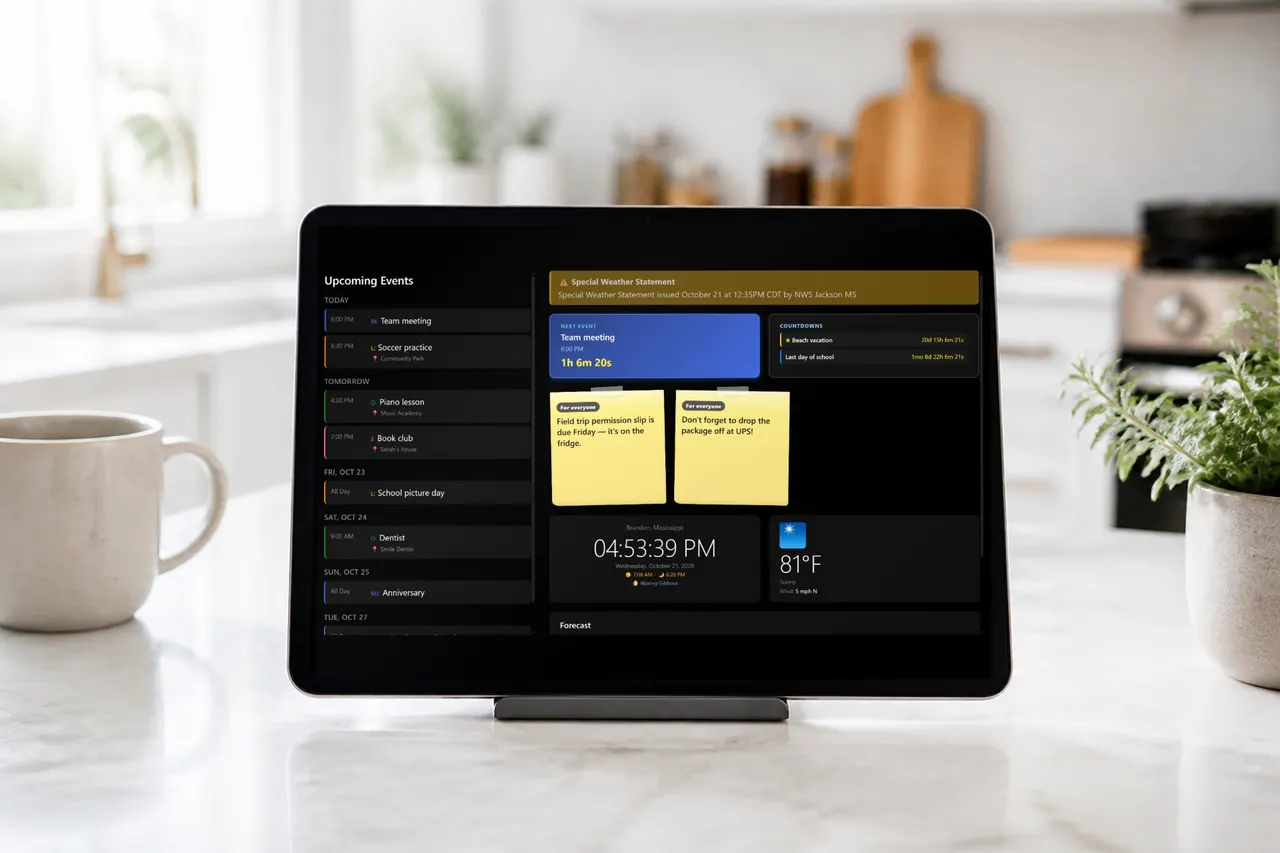
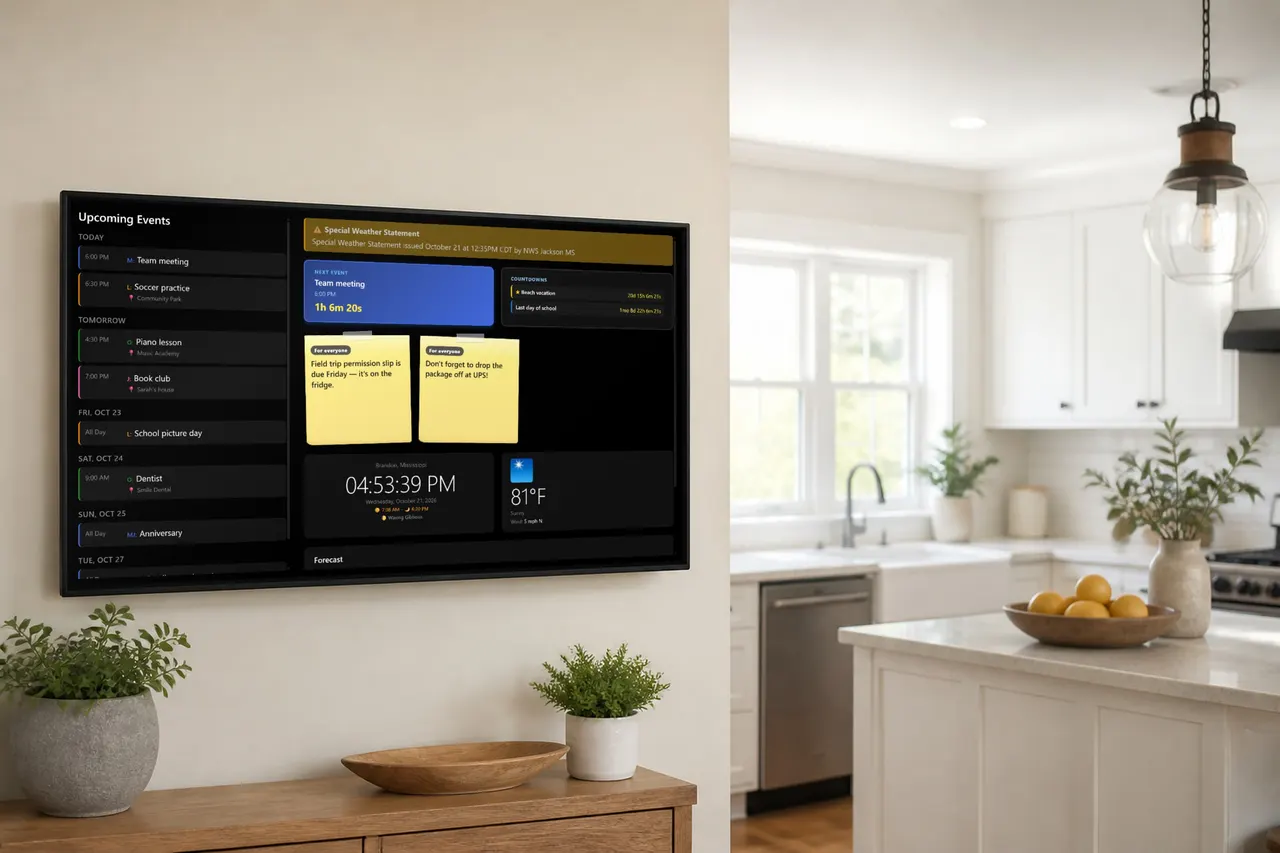
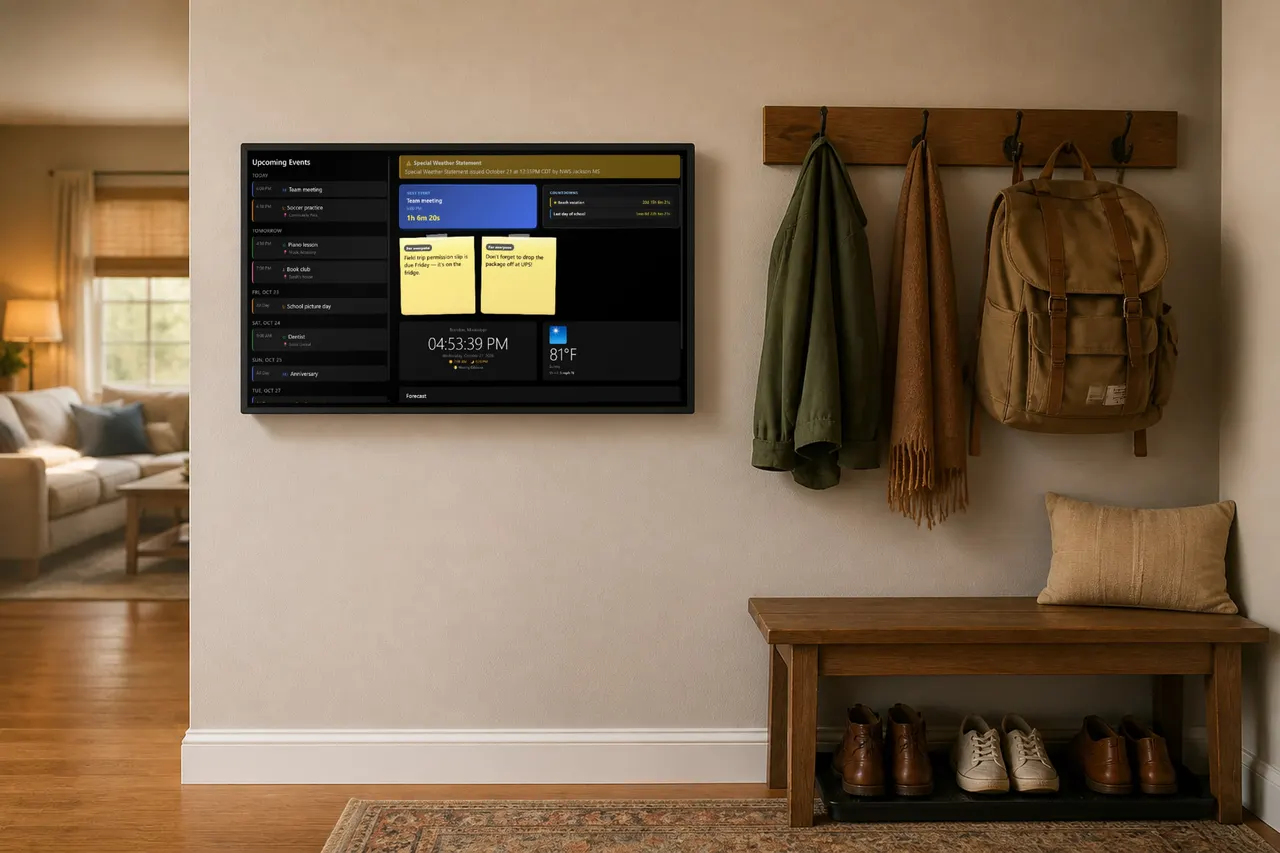
Almost anything with a modern browser. Families use all three of these:
An old tablet
The easiest start. Prop it on a counter stand, plug it in, and you're done. Landscape works best.
A spare monitor
Pair it with an inexpensive stick PC or an old laptop and mount it where everyone passes by.
A TV with a browser
Many smart TVs can open the wall directly. Great for a big, readable family hub in the kitchen.
Five steps to a working wall
Pick a screen you already own
An old iPad or Android tablet, a spare computer monitor with a connected device, or a TV with a built-in browser all work. If it can open a modern web browser and stay plugged in, it can be your family wall.
Keep it awake and on the wall page
Set the screen to never sleep (or use its guided-access/kiosk mode), open your Roostwall wall address in the browser, and leave it there. Roostwall refreshes itself, dims on a schedule at night, and never needs touching.
Pair it with your family account
The screen shows a short pairing code. Approve it from your phone in Settings → Screens and the wall goes live. You can revoke any screen later, and an optional backup PIN covers older setups.
Add your people and calendars
Add each family member with a color, then connect Google Calendars or iCal feeds from Apple, Outlook, schools and sports leagues. Events appear on the wall color-coded by person.
Manage everything from your phone
Add events, leave sticky notes that expire on their own, set countdowns to vacations and birthdays, and turn on phone alerts for tagged family members—all from the app, wherever you are.
Want the printable version? The setup guide includes a QR code and a card you can tape near the screen.
Why a wall instead of another app?
Everyone sees it—including kids and grandparents who don't check shared calendar apps.
It's ambient: a glance while making breakfast replaces three "what time is practice?" texts.
Sticky notes with expirations handle the little things—"UPS package, Tommy"—without cluttering the calendar.
Phone alerts still reach family members when they're away from the wall.
Common questions
Does the screen need to be expensive?
No. Roostwall is designed around reusing what you have. A years-old tablet works well; the wall is mostly text and high-contrast graphics, so it doesn't need a fast device.
What about power and cables?
Plan for the screen to stay plugged in. For a clean wall mount, a recessed outlet or a cable raceway hides the cord. Counter stands need no installation at all.
Will it burn in or wear out the screen?
Roostwall's dark theme uses a pure black background, which turns pixels off entirely on OLED screens. A scheduled night mode dims the wall while you sleep.
Can guests see our family events?
Only paired screens can show your wall. A family member approves each screen with a short code, and you can revoke any screen from your phone at any time.
What does it cost?
Roostwall is free for 30 days, then $4.99 per month or $49.99 per year for the whole family. No hardware purchase required.
Put your family's day on the wall
Try Roostwall free for 30 days on a screen you already own. Then $4.99/mo or $49.99/yr.